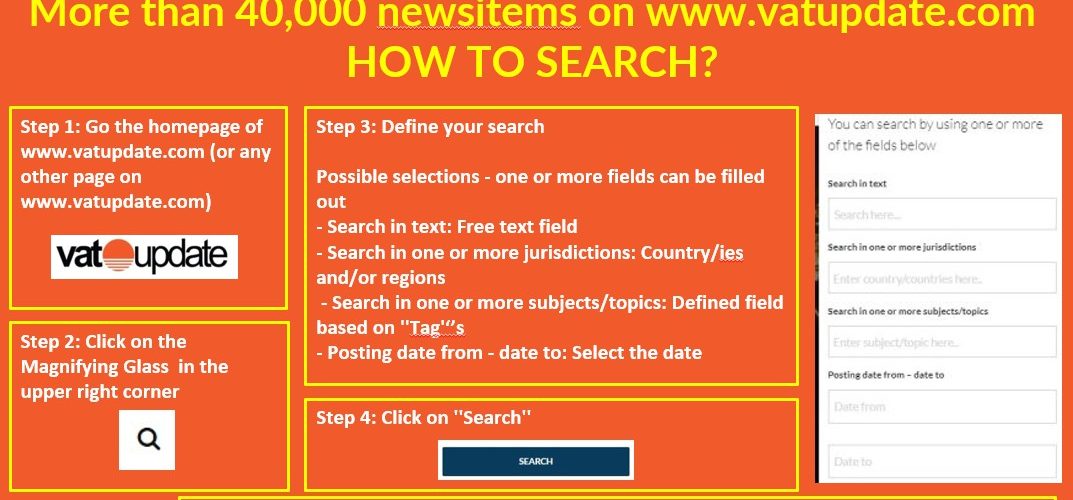
Step 1: Go the homepage of www.vatupdate.com (or any other page on www.vatupdate.com)

Step 2: Click on the Magnifying Glass in the upper right corner

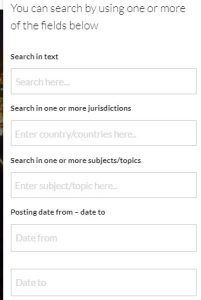
Step 3: Define your search
Possible selections – one or more fields can be filled out
- Search in text: Free text field
- Search in one or more jurisdictions: Country/ies and/or regions
- Search in one or more subjects.topics: Defined field based on ”Tag”’s
- Posting date from – date to: Select the date
Step 4: Click on ”Search”